Your ideas deserve better slides
Bring your ideas. Create with AI. Keep shaping until it feels right.
You stay in control at every step
Review the outline and visual style before generating your slides, then keep refining the result in the editor or through chat.
- 01
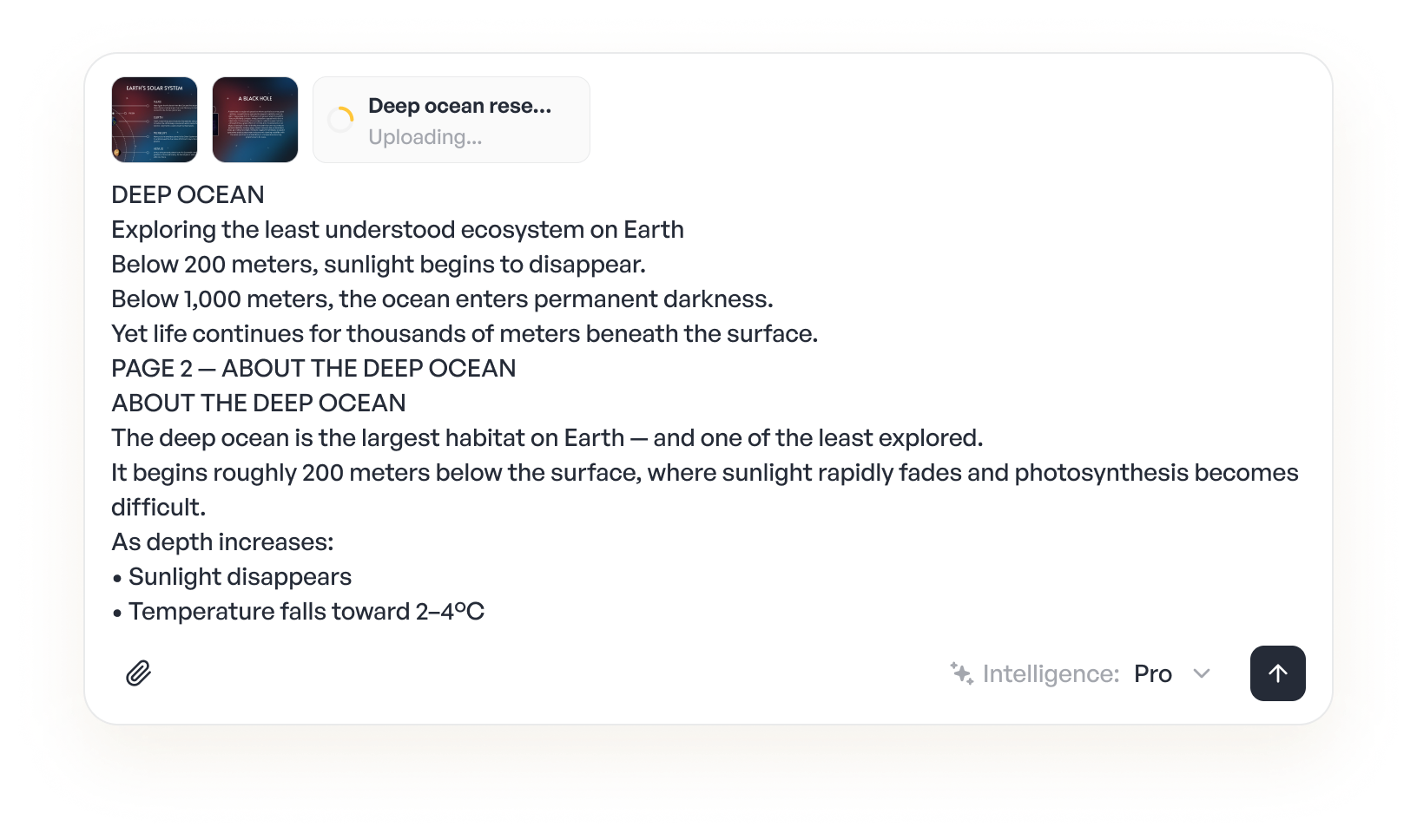
Start with your topic or content
Enter a topic, paste your notes, or upload a document to start your presentation.
- 02
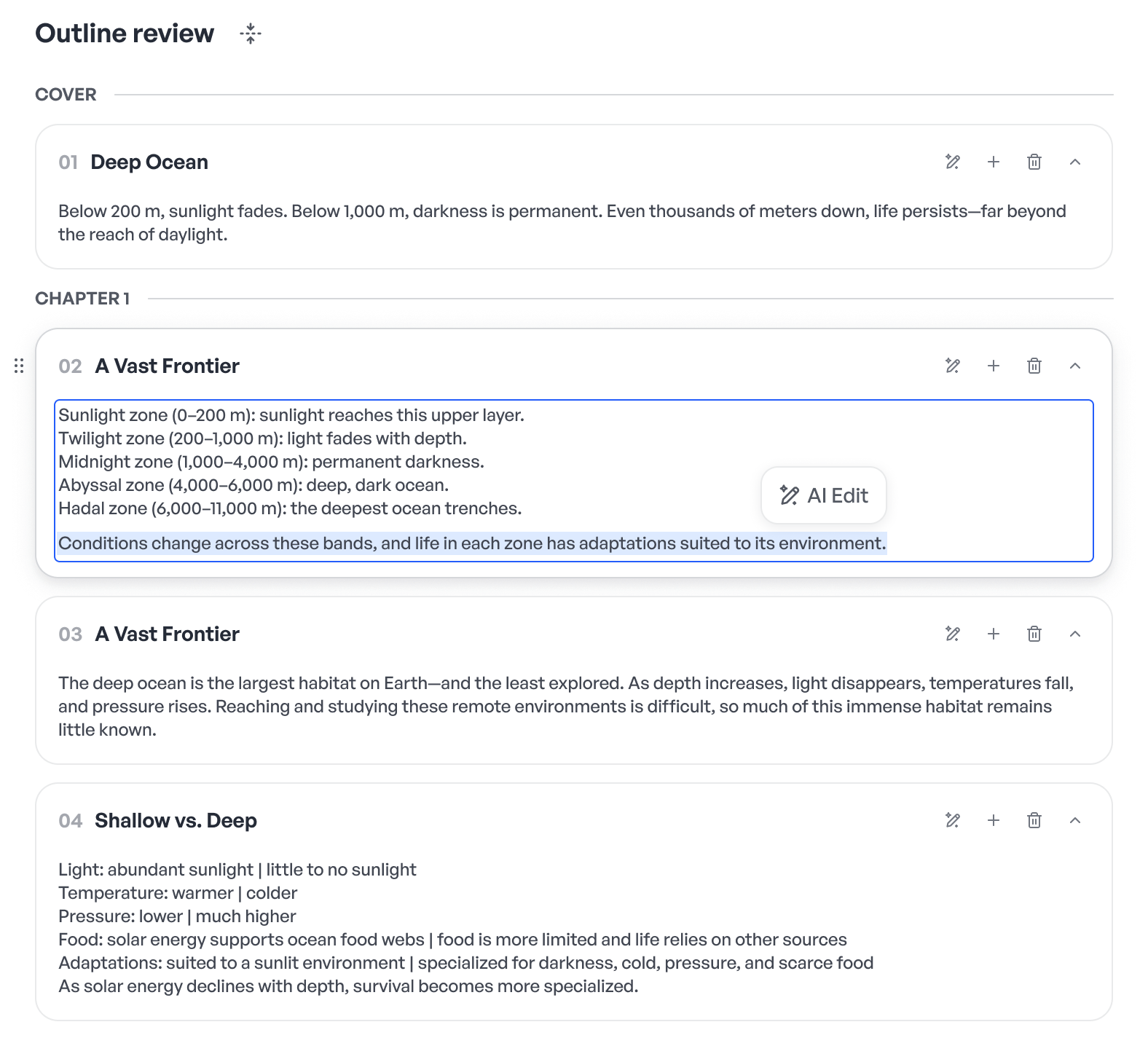
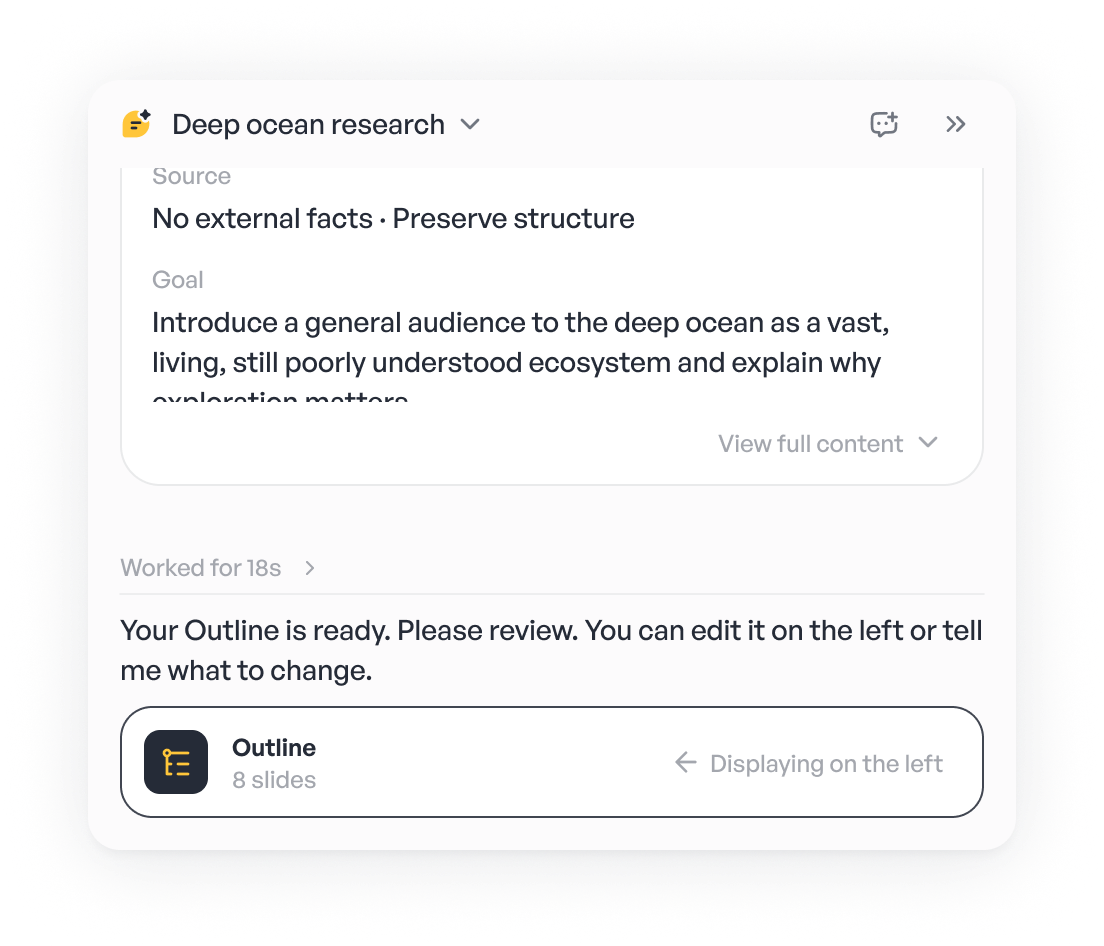
Review your presentation outline
Review the slide-by-slide outline. Reorder slides, remove sections, or revise the content before generating the deck.
- 03
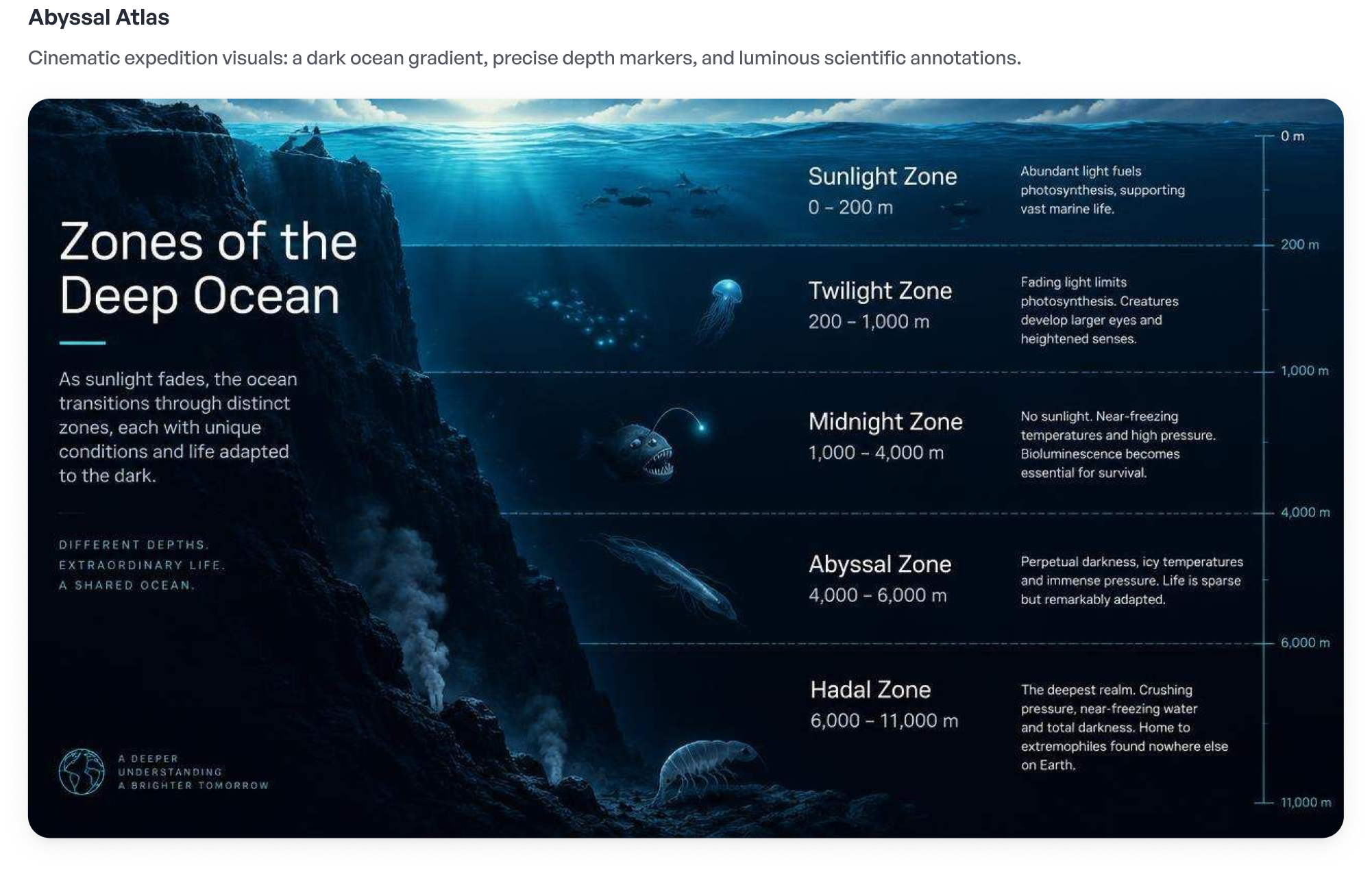
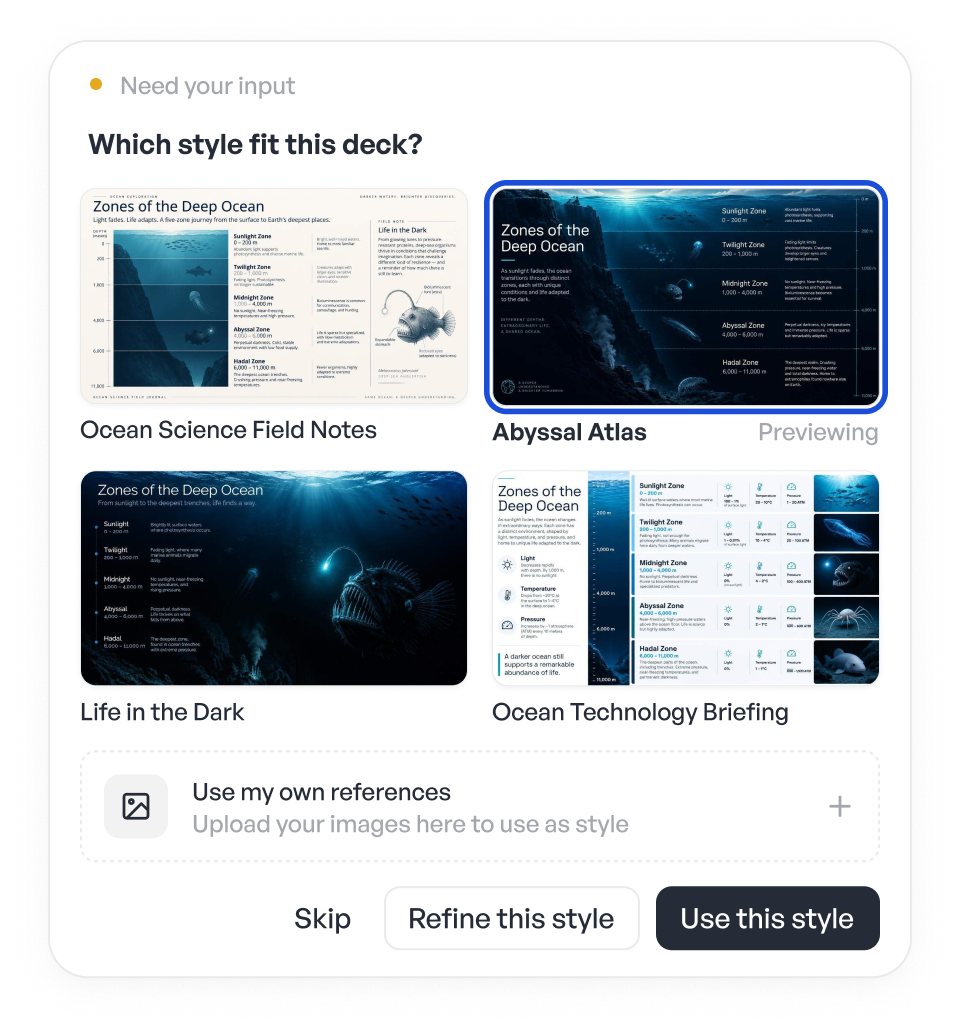
Choose your presentation style
Choose from suggested styles, or upload reference images to guide the look of your slides.
- 04
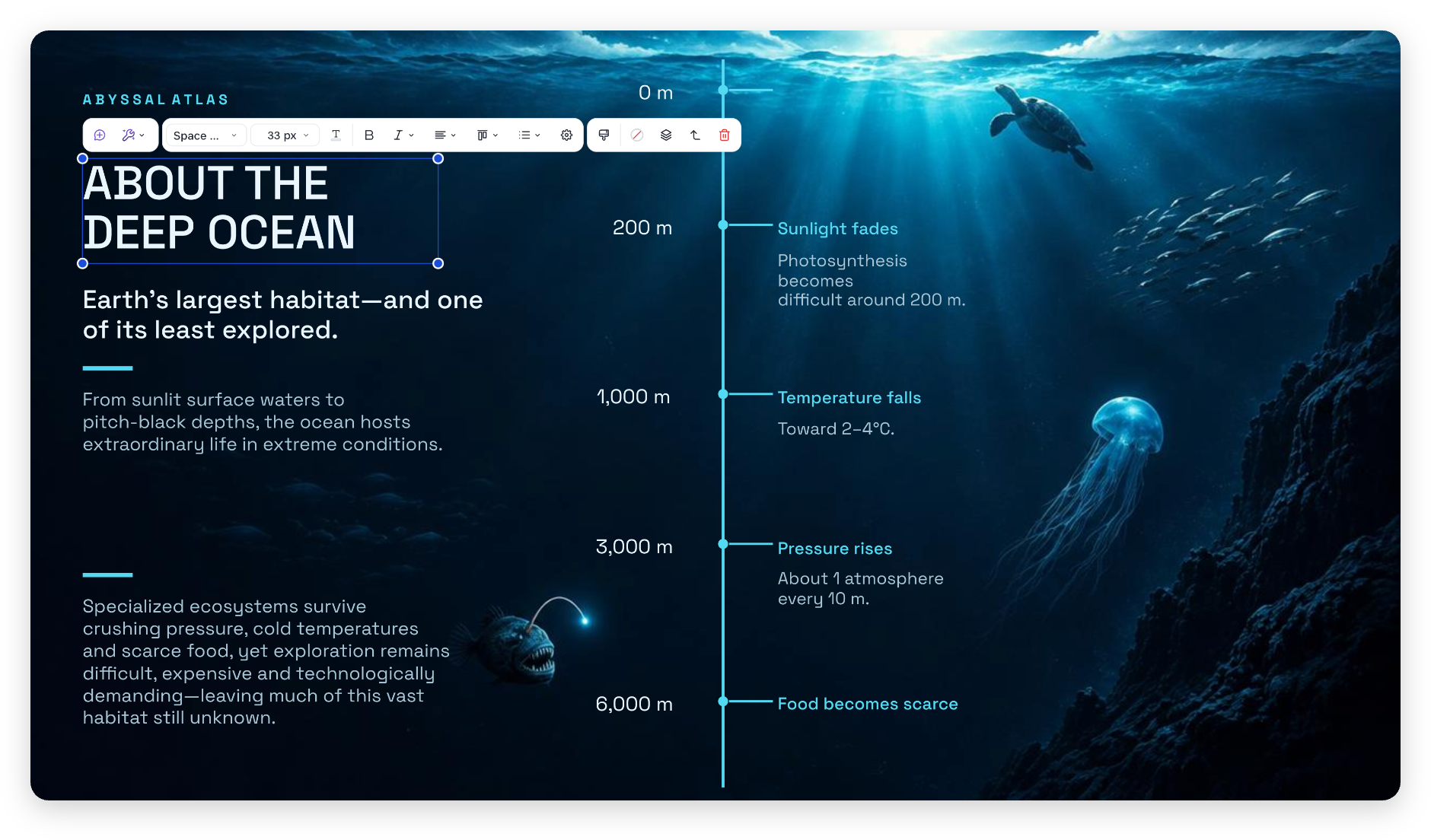
Generate, edit and export
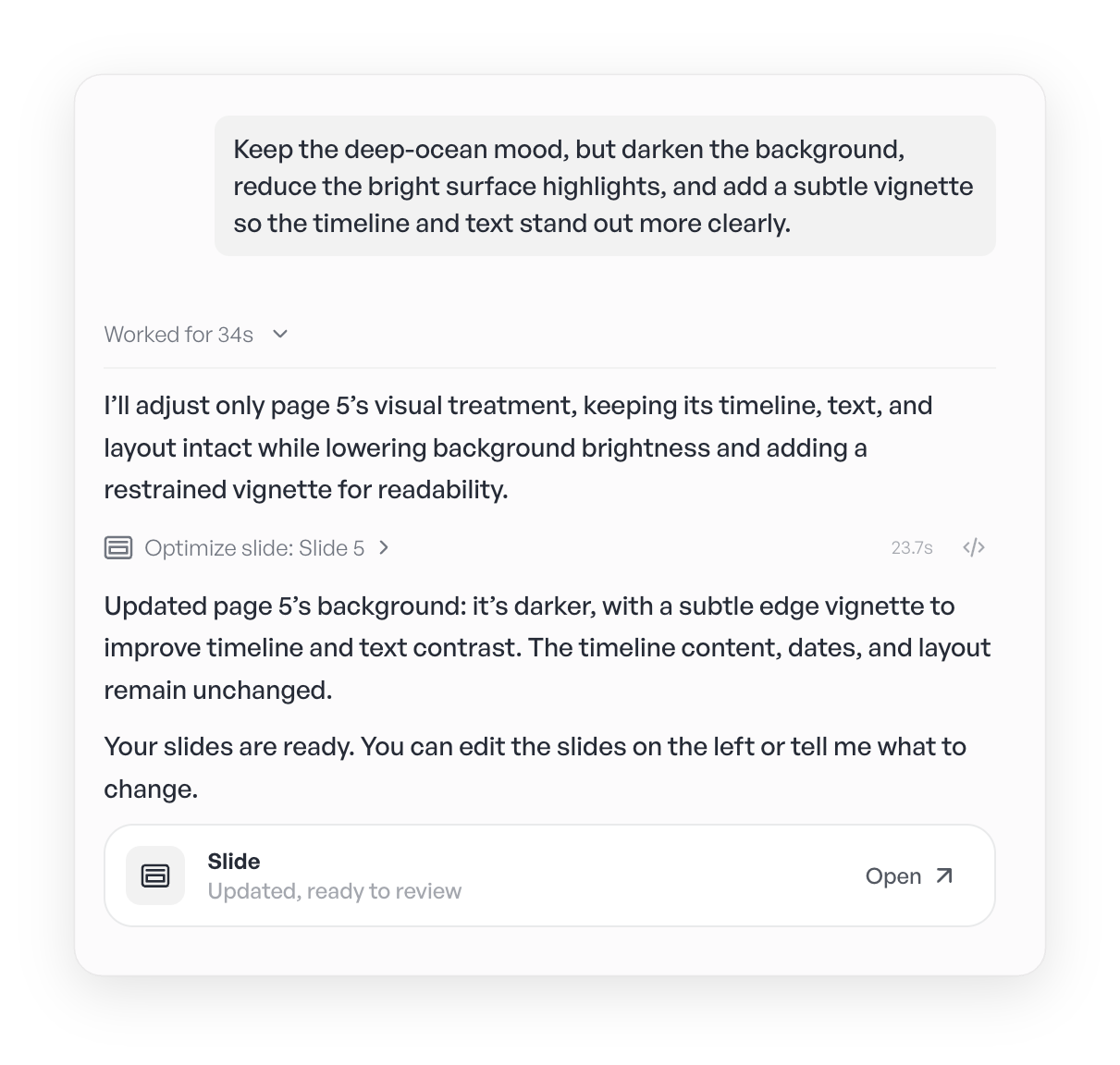
Generate your slides, then edit them directly or request changes through chat. Download the finished presentation as a PowerPoint file.
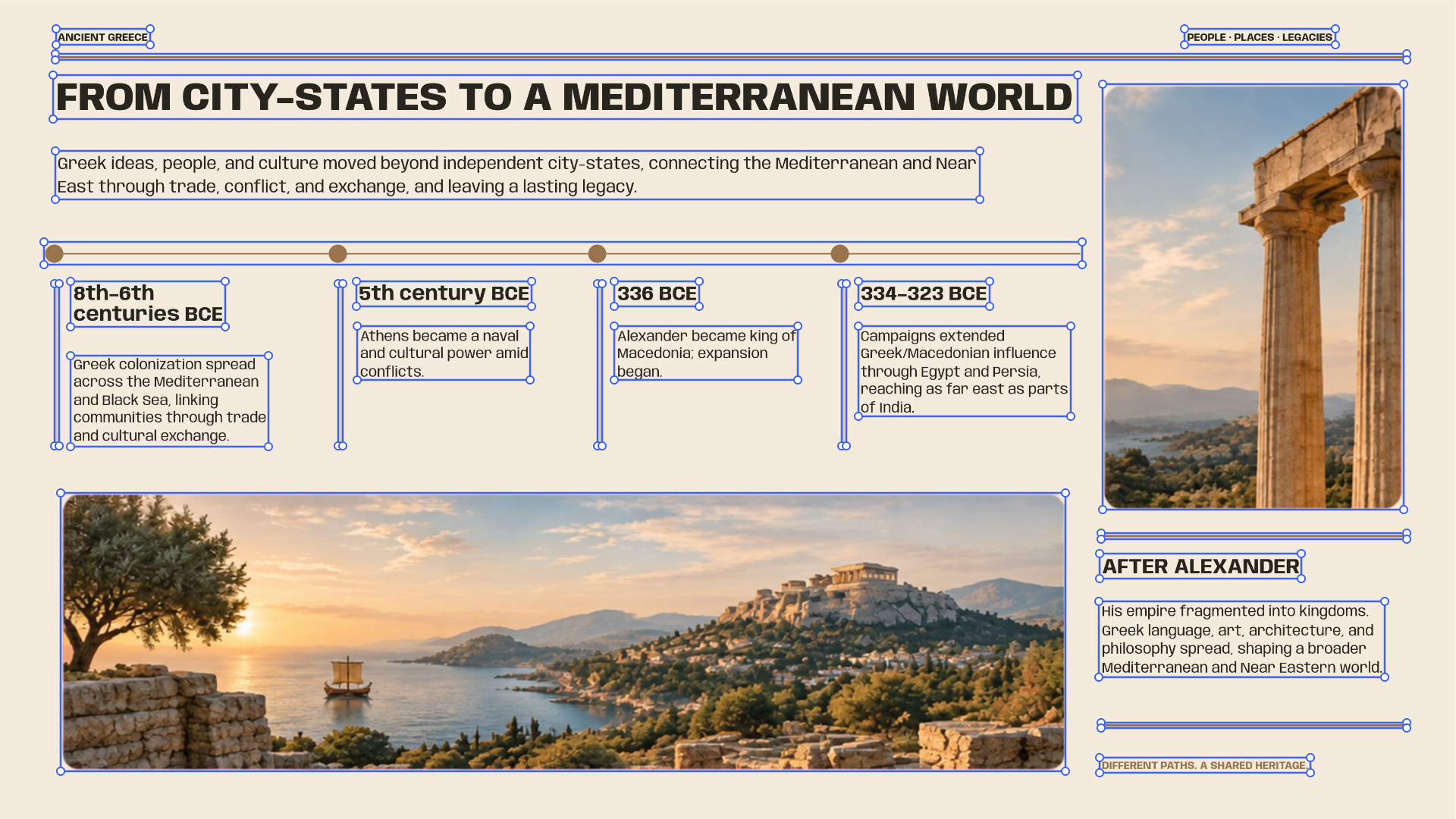
Start wherever your content is
Notes, an AI-generated image, or a deck that needs work. Bring what you have, and ProSlides turns it into a deck you can keep editing.
Start with notes, a brief, or a document. ProSlides organizes your content into a slide-by-slide outline, then generates slides you can edit directly or refine through chat.
Turn AI-generated slides into editable presentations
Created a slide as an image with AI? Upload it to ProSlides to rebuild the text and layout so you can keep editing.
Import a PPTX and ProSlides improves the visuals and layout while keeping your content and structure intact.
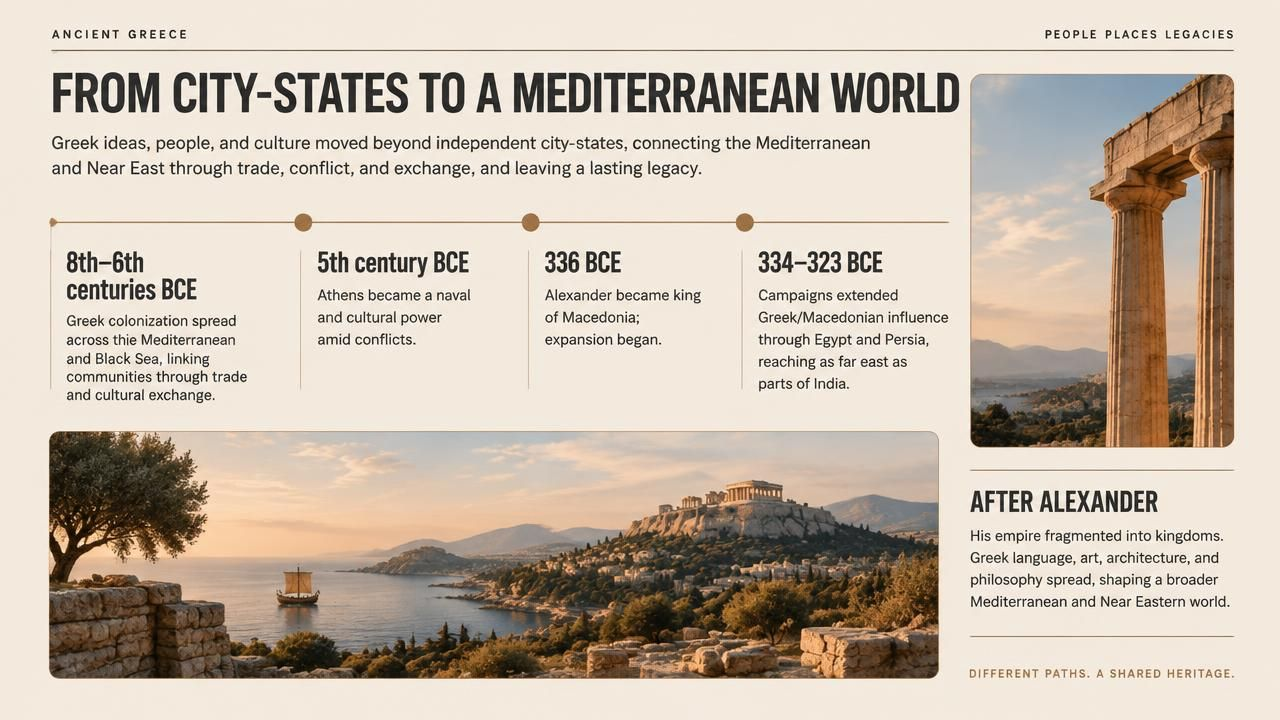
Private Equity Universe
Three strategies, three distinct risk–return profiles
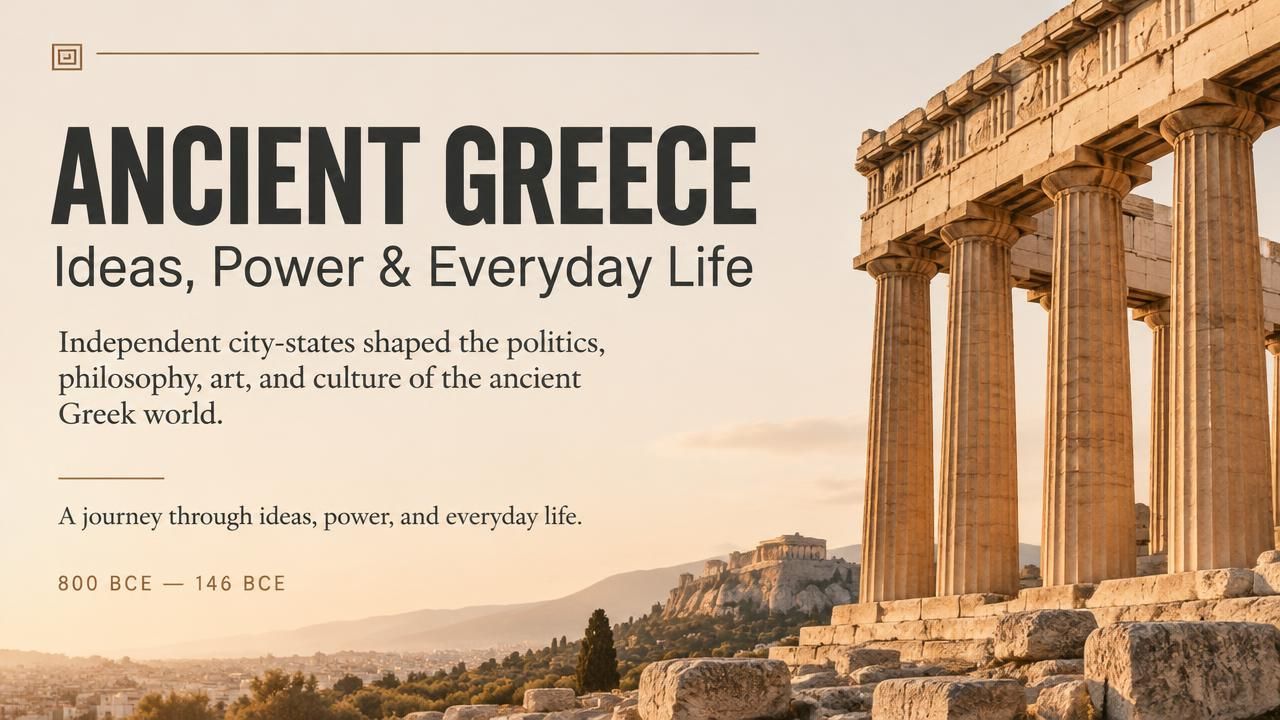
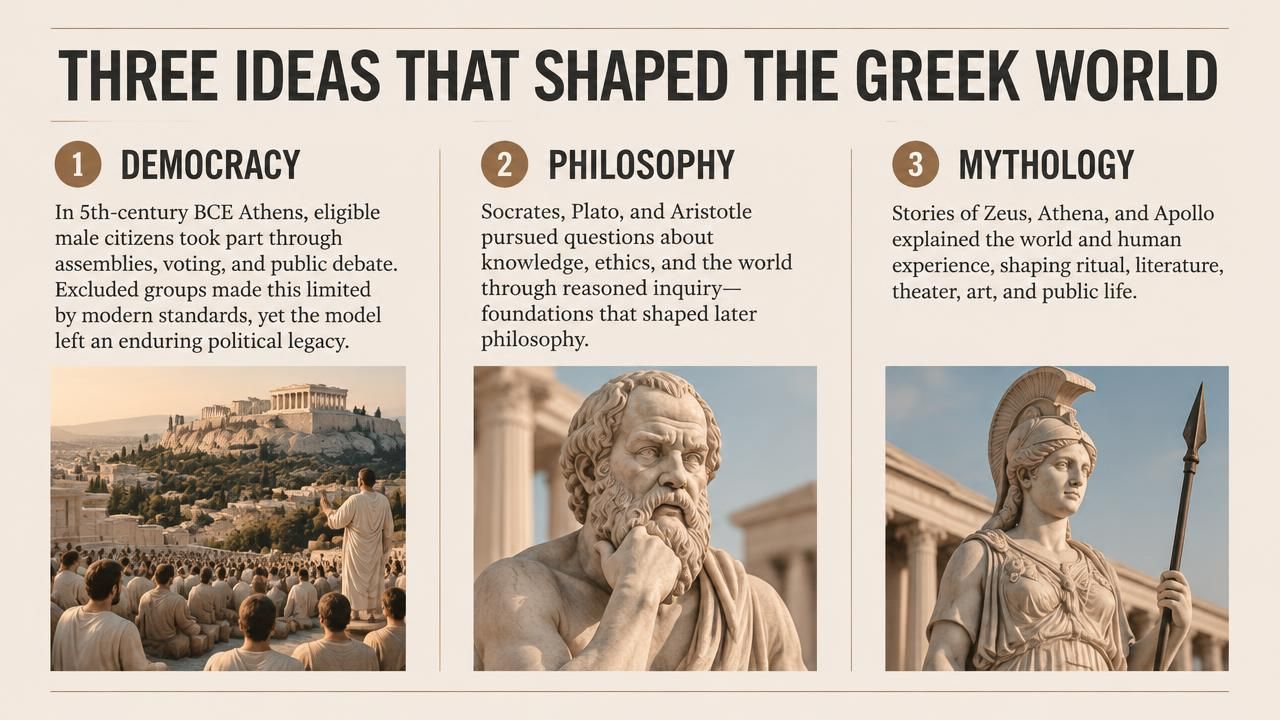
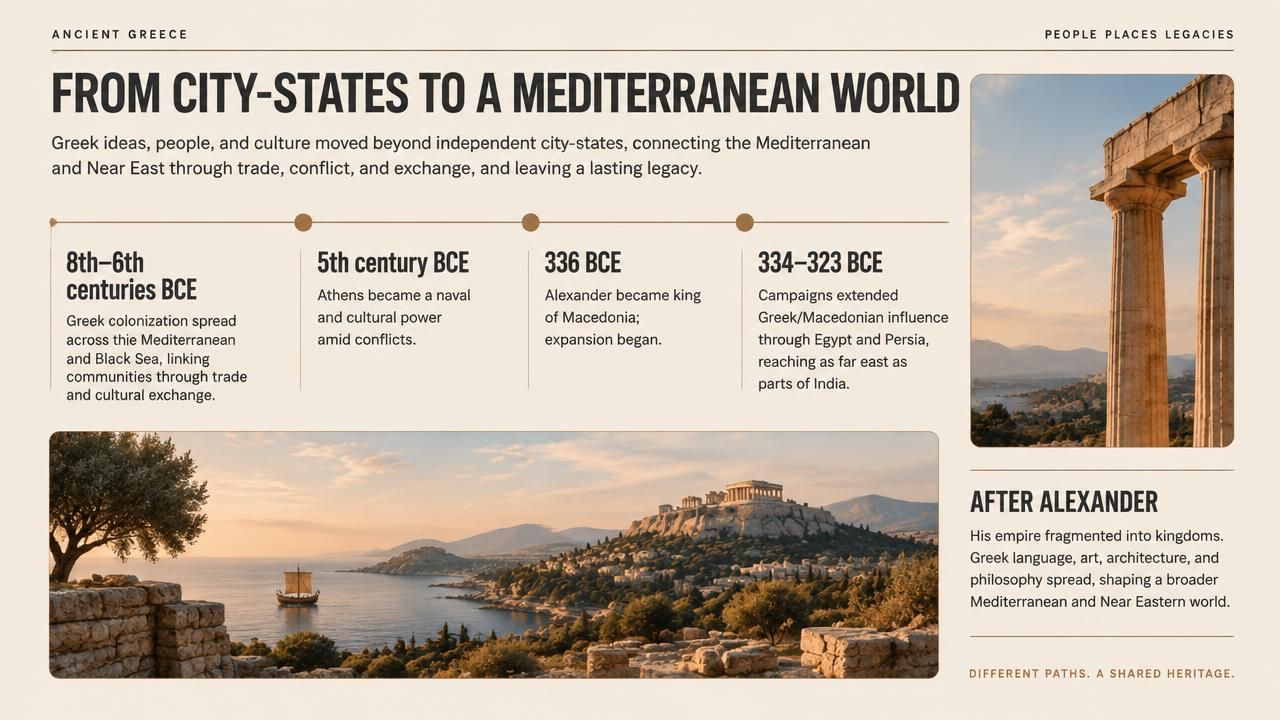
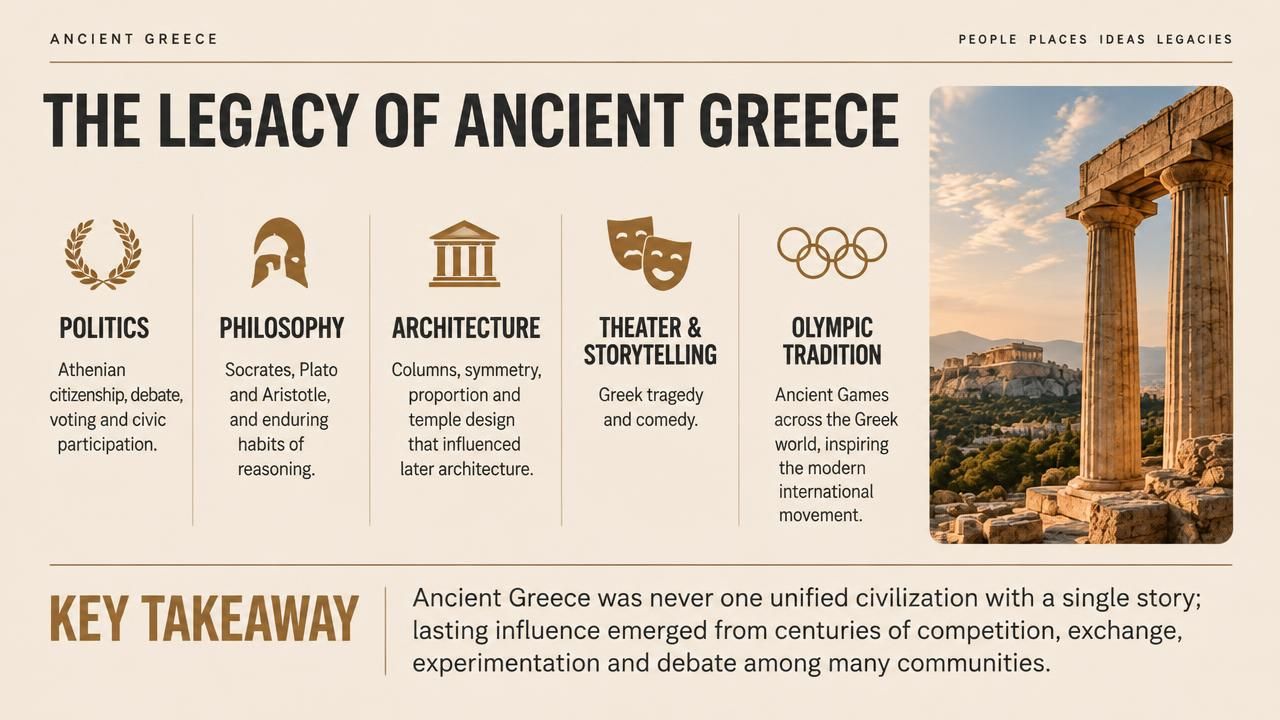
Ancient Greece, 800–146 BCE
Week 3: Ancient Greece
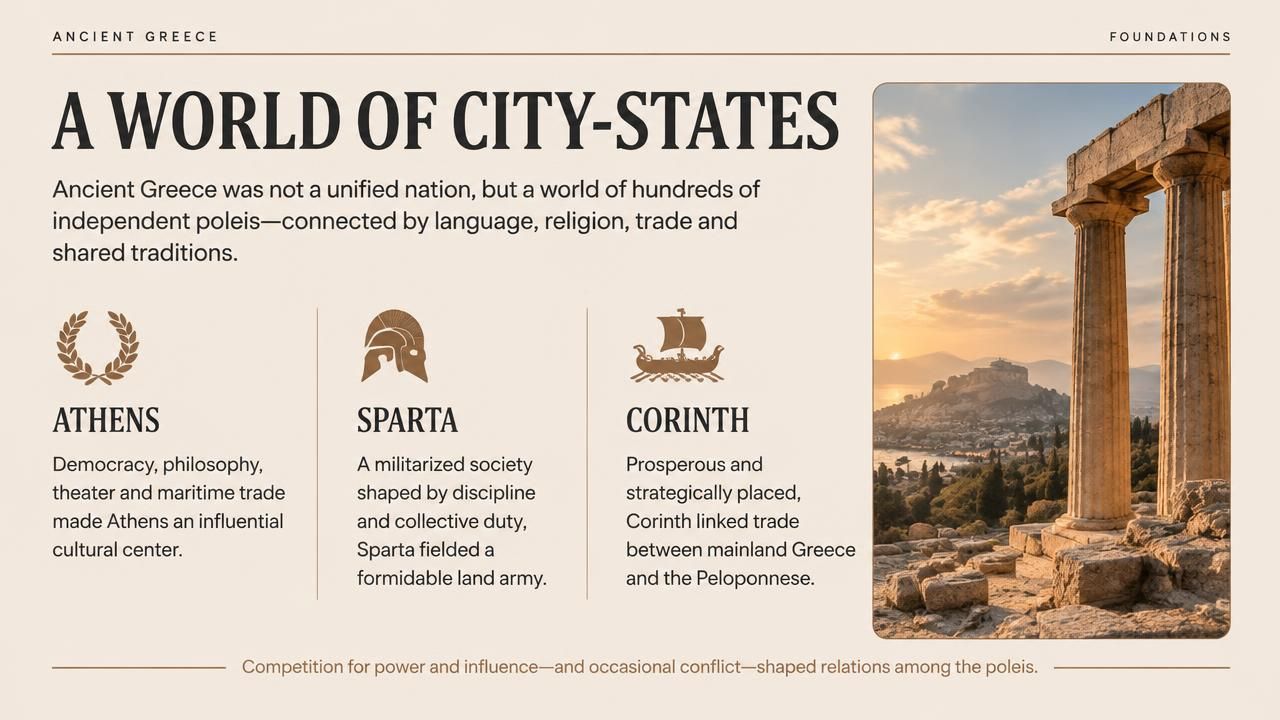
- not one nation, hundreds of poleis
- Athens, Sparta, Corinth: very different
- democracy, philosophy, myth
- Alexander, 336–323 BCE
- legacy: politics, theater, Olympics
 parthenon.jpg
Make a 5-slide intro to Ancient Greece for my class. Warm, photographic, end with its legacy.
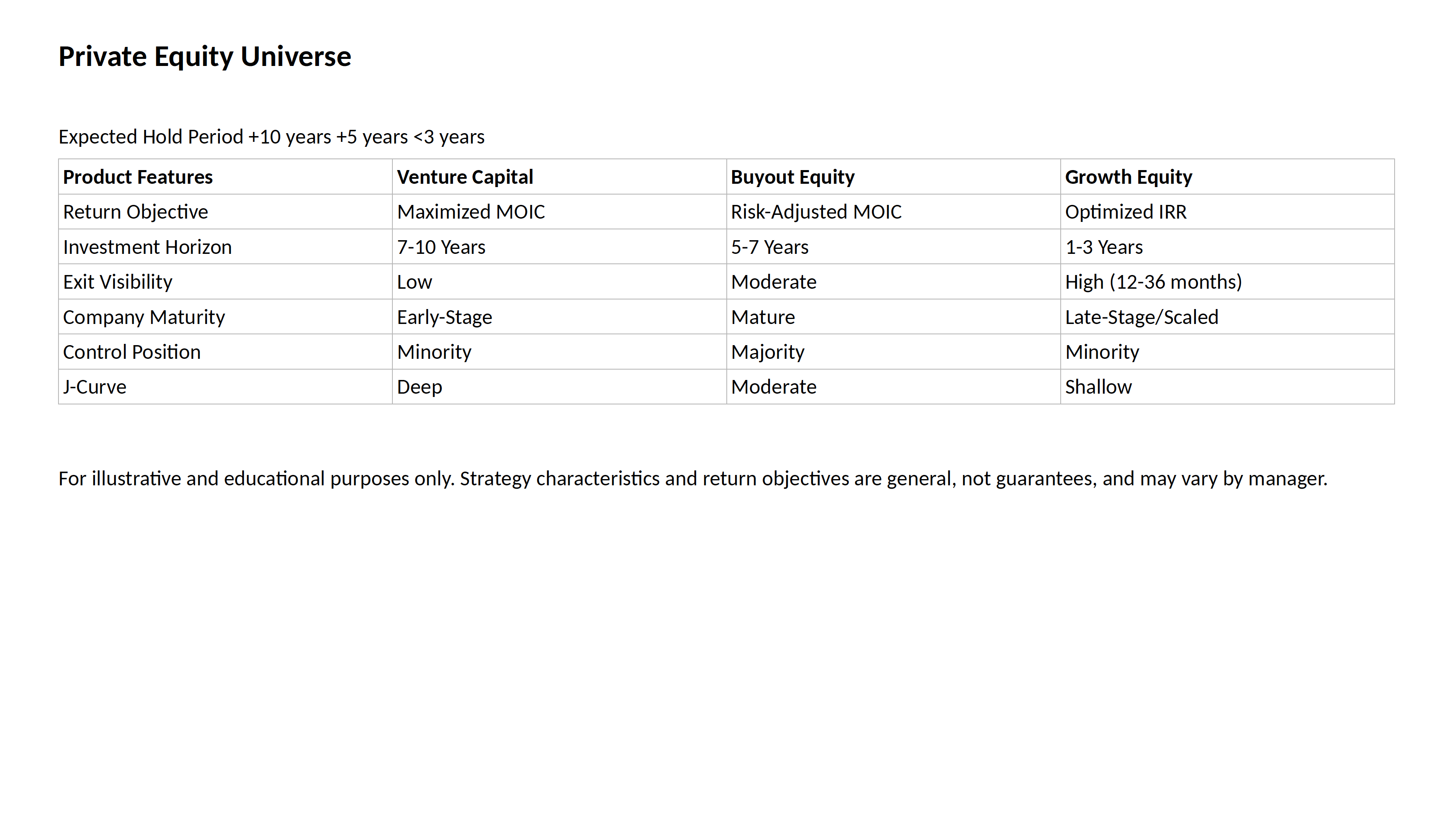
Private Equity Universe
Three strategies, three distinct risk–return profiles
Find a style, make it yours
Or upload your own images as a reference. ProSlides reads the style and layout logic behind them, then builds a deck around your content that stays consistent from slide to slide.
Frequently asked questions
ProSlides is an AI presentation maker that turns your ideas and content into editable slides. You can create a new presentation, redesign an existing PowerPoint, or turn a slide image into editable elements, then refine the result directly or through chat.
Yes. You can edit text, move and resize elements, and replace images in the ProSlides editor. You can also request changes to a slide or the whole presentation through chat.
Yes. Upload your PPTX to ProSlides to refresh its design and layout. You can review the result, edit slides directly, or request further changes through chat.
Upload your AI-generated slide image, and ProSlides rebuilds its text and layout as editable elements so you can revise the content and move elements.
Yes. Apply your brand colors and style, or upload reference images to guide the look of your presentation. ProSlides uses these preferences when designing your slides.
Yes. Download your deck as a PPTX, or present and share it directly from ProSlides.
You can start for free. Sign up when you’re ready to generate your first deck.
ProSlides supports JPG and PNG images, PDF files, Word documents (.docx), Markdown files (.md), and PowerPoint presentations (.pptx). Support for Excel spreadsheets (.xlsx) is coming soon.